Chroma Snap
Your colors. Your Blender.
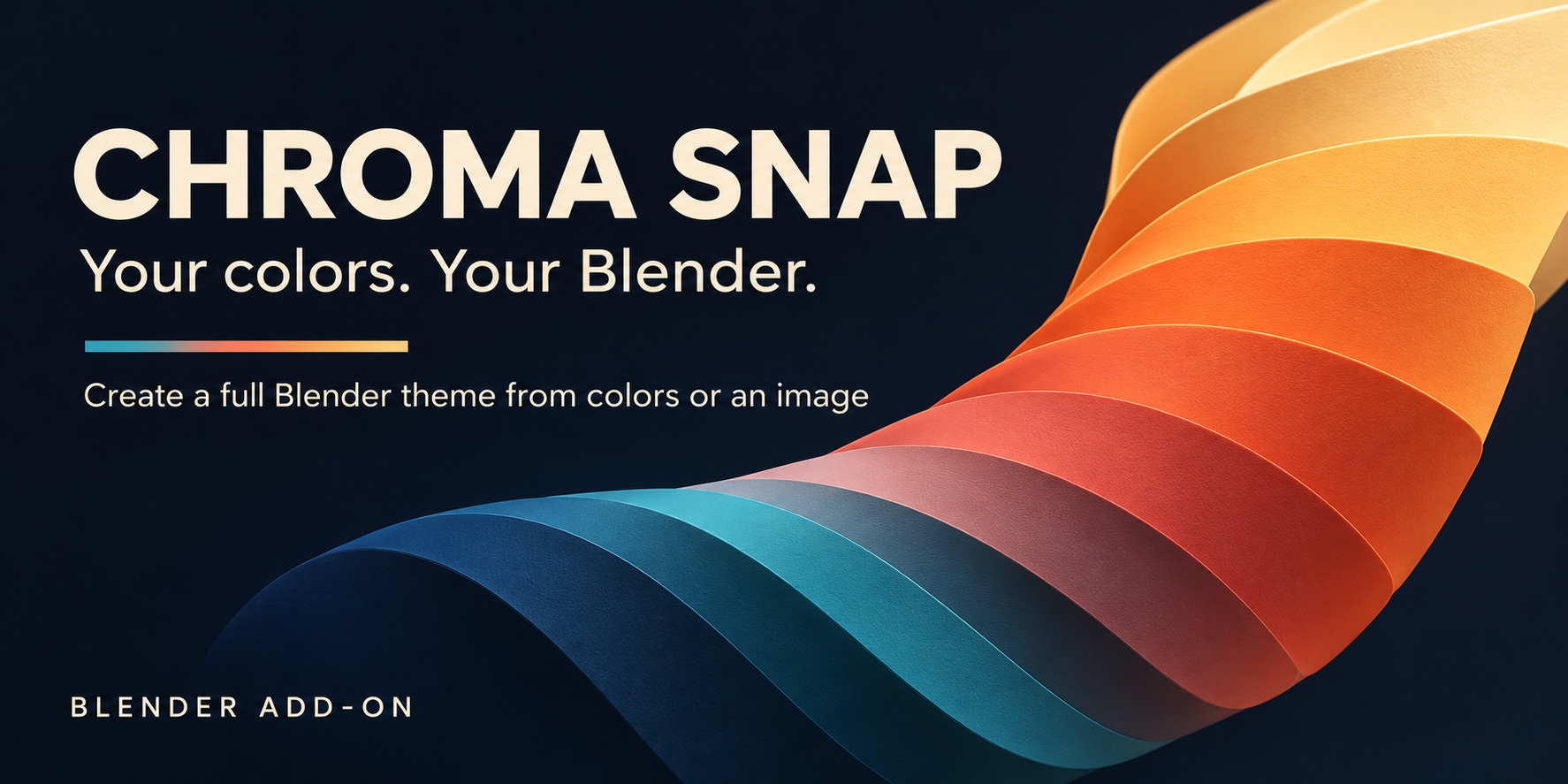
Your colors. Your Blender.
Create a complete Blender interface theme from colors or an image. Start with a small palette, sample a picture you love, or let Random suggest a new combination. Backgrounds, buttons, selections, sliders and other theme colors follow along as you explore.
Work with one to seven colors, choose from seven styles, and fine-tune the background tint from the 3D Viewport sidebar. Lock your favorites, try a new harmony, and use live preview to see the whole interface change as you work.
Save finished looks as reusable Blender XML themes. Dedicated Undo and Redo let you explore edits during the current session, while Revert restores your backed-up theme even after restarting Blender. Chroma Snap is a standalone add-on for Blender 5.2 and newer; it does not require Chroma Studio. It changes the interface theme, not materials or rendered images.
Gallery graphics are AI-assisted promotional artwork based on product references. Palette examples, style studies and interface previews are illustrations, not unedited application screenshots.
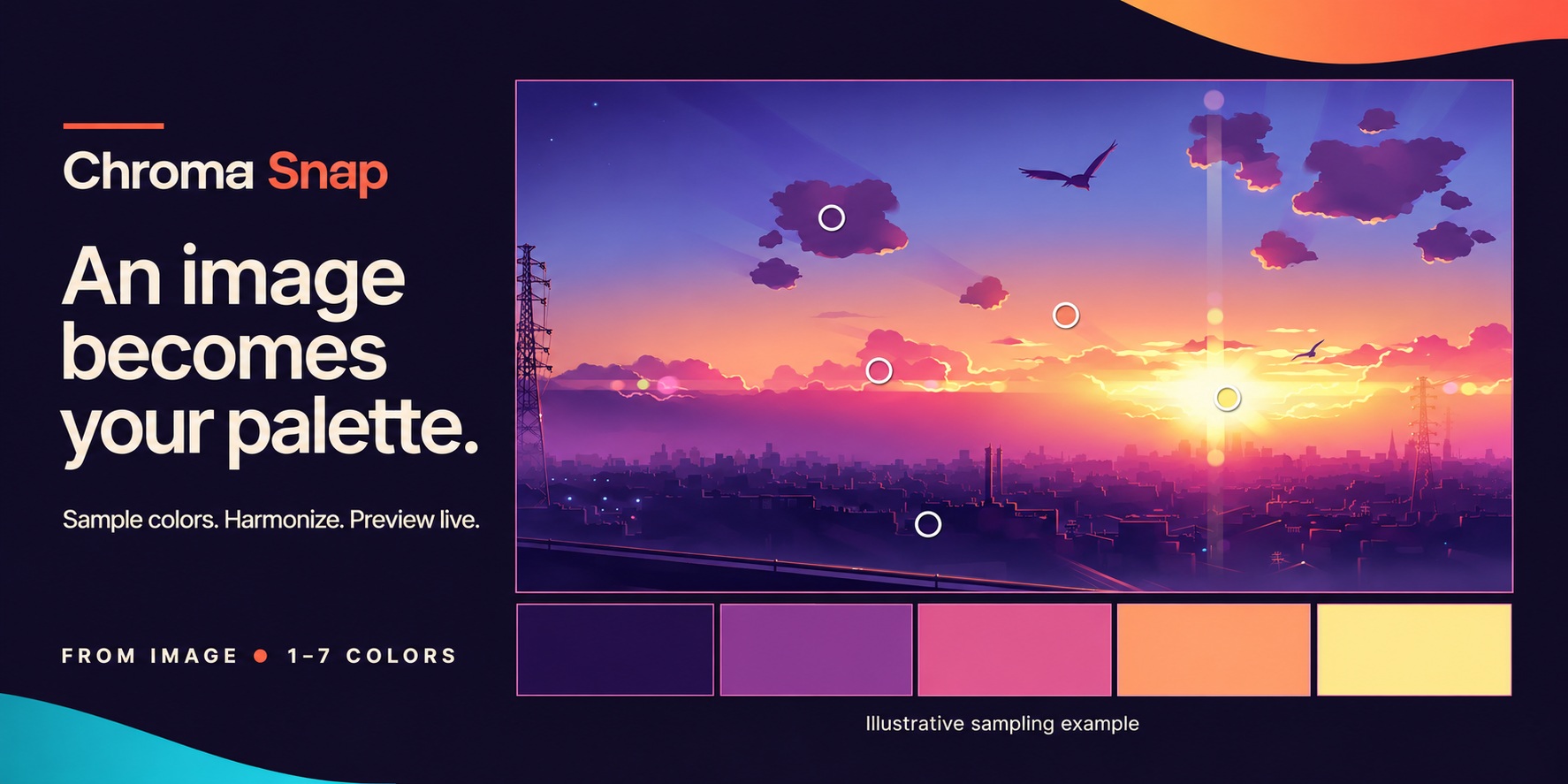
Find a palette in a picture.
Open, paste or drop an image, then drag sampling markers to find the colors you love. Work directly on the sidebar palette card or open the larger navigator to zoom and pan. Harmonize suggests image colors that work together, with Auto, Complementary, Analogous, Triadic, Split Complementary and Dominant options.
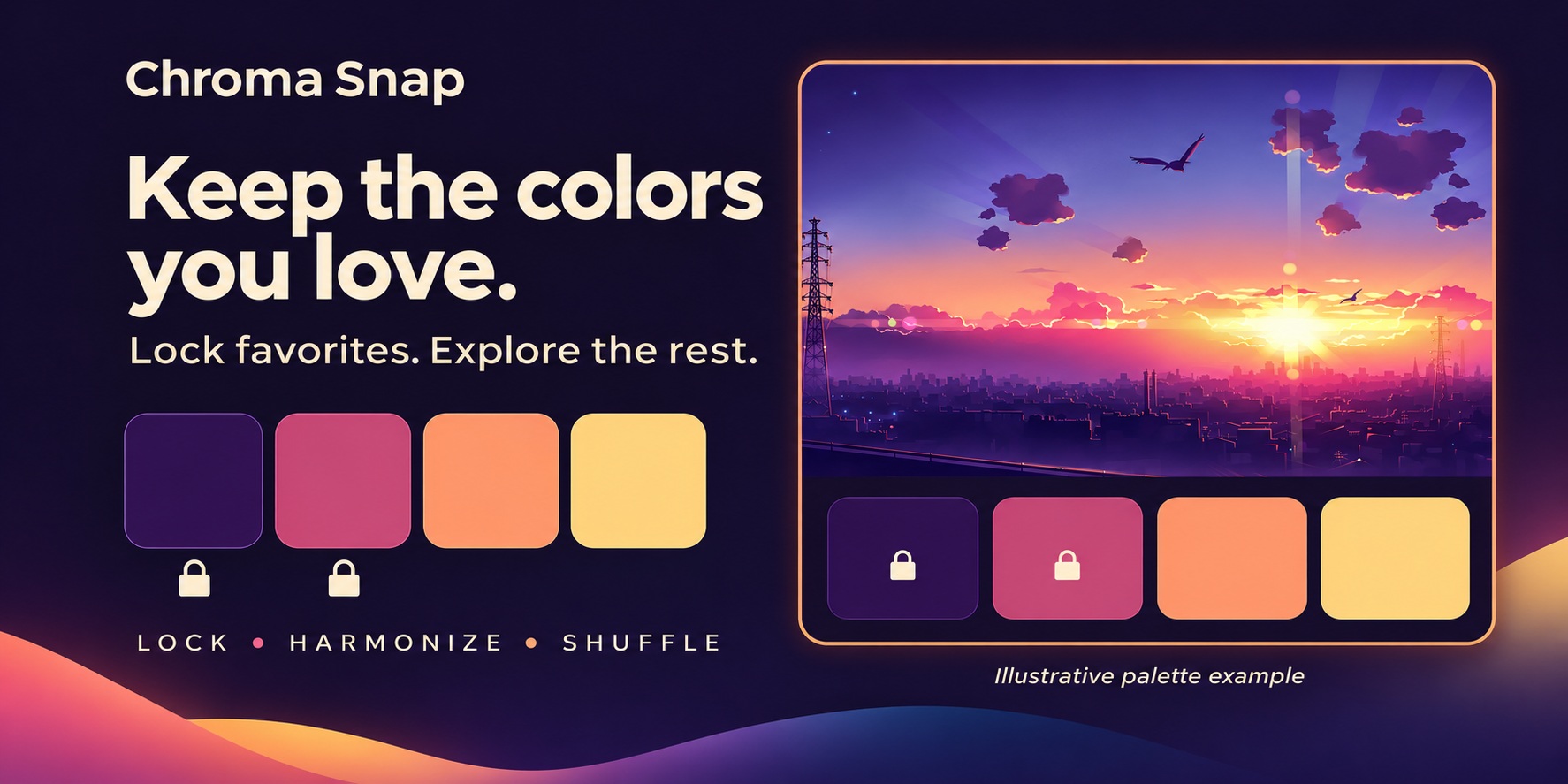
Keep your favorites. Explore the rest.
Use one to seven colors. Base tints backgrounds and selections, Accent colors active buttons, and Highlight shapes sliders and the active object. Lock colors before Random or Harmonize to keep them in place while the rest changes. Shuffle rearranges roles, with locks traveling alongside their colors.
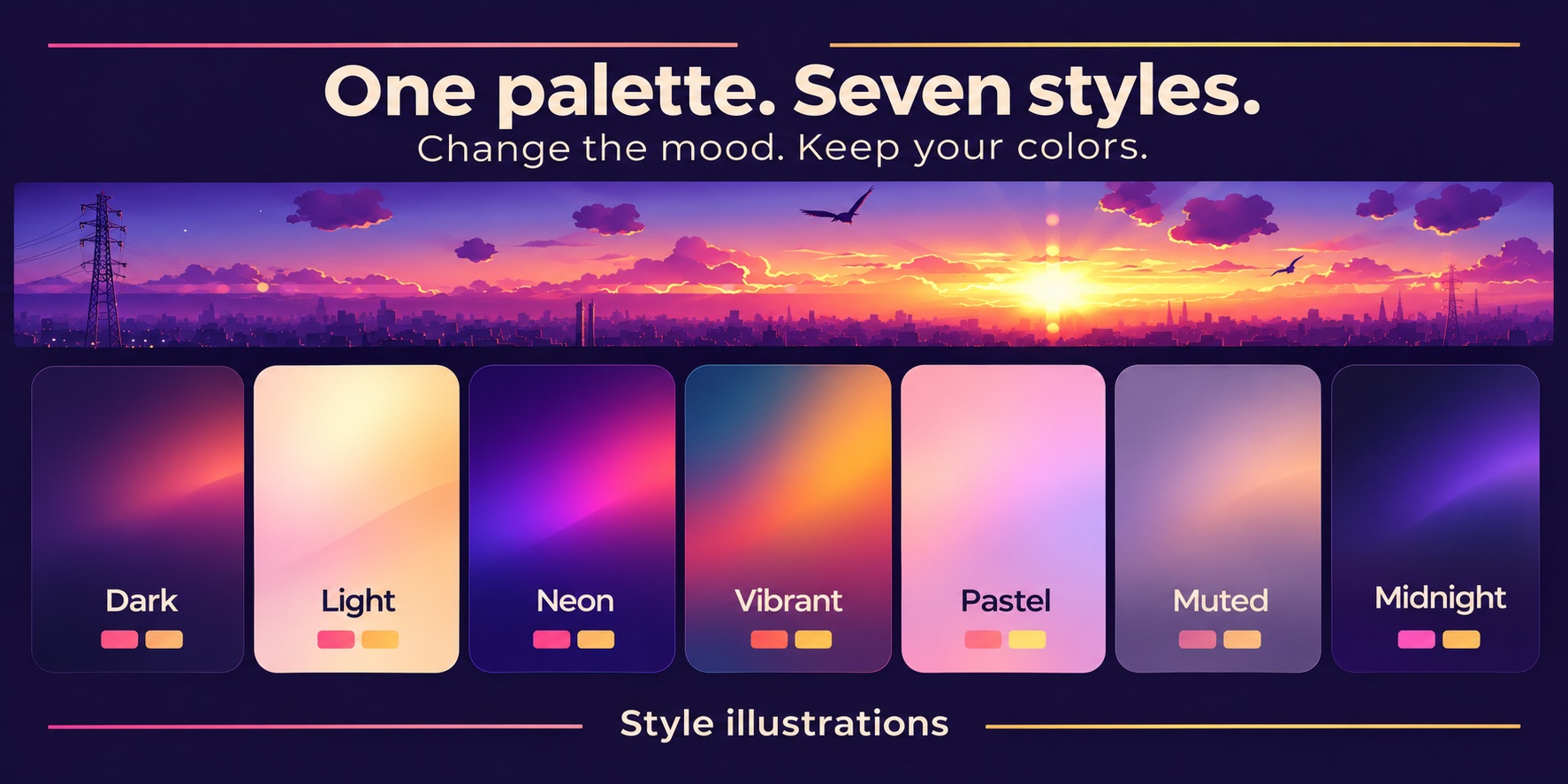
Same palette. A different mood.
Dark, Light, Neon, Vibrant, Pastel, Muted and Midnight give your chosen colors seven different treatments. Switching styles keeps your palette intact. Adjust Tint to decide how strongly your base color influences Blender's backgrounds.
Try a look. Make it yours.
Live Preview updates Blender as you edit. Turn it off to make several changes before pressing Apply. Save as Theme creates a reusable XML preset you can share. The first change backs up your previous theme; Revert brings it back, and saving establishes a new baseline.
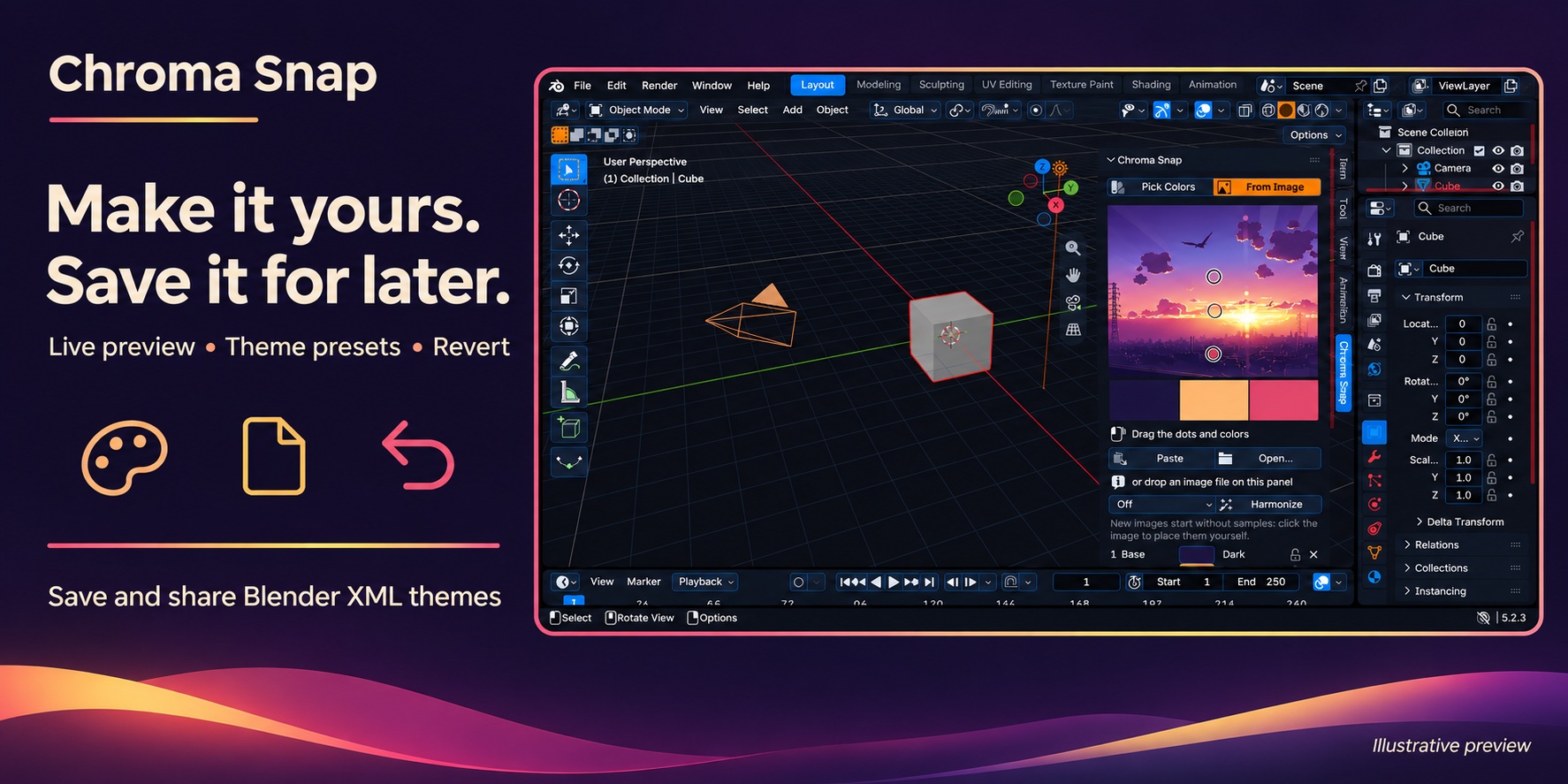
Keep creating where you left off.
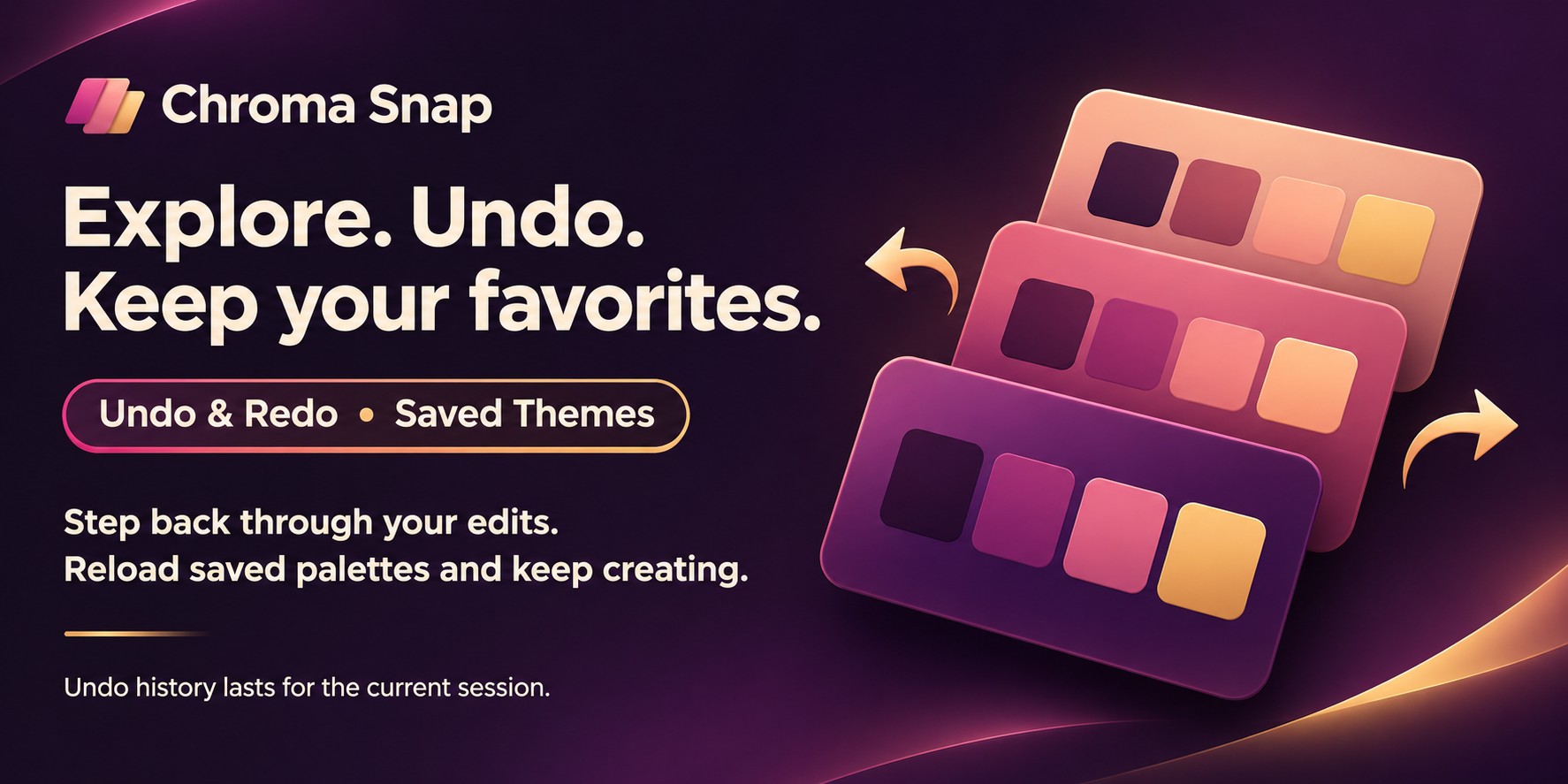
Dedicated Undo and Redo step through Chroma Snap edits during the current Blender session, grouping a continuous drag into one step. Choose a Chroma Snap theme from Saved Themes to restore its palette and editing settings. Other saved Blender presets can switch the interface theme too.
Tech specs
- Compatibility
- Blender 5.2 or newer
- Version
- 1.0.0
- Location
- 3D Viewport > Sidebar (N) > Chroma Snap
- Palette
- 1–7 colors, role-based coloring, locks, Random and Shuffle
- Styles
- Dark, Light, Neon, Vibrant, Pastel, Muted, Midnight
- Image input
- Open a file, paste from the clipboard, or drag and drop
- Theme presets
- Save and share Blender XML themes; recall Chroma Snap palettes
- History
- Dedicated Undo/Redo for the current session; persistent Revert backup
- Installation
- Preferences > Get Extensions > Install from Disk; select the ZIP
- Standalone
- Chroma Studio is not required
What's new. Version 1.0.0.
Version 1.0.0Nov 3, 2026
Initial release.
Read the patch notes ›